Avatar Budget
A Blender add-on that checks a VRChat avatar against the PC and Quest performance ranks, then makes an optimised Quest or PC version in one click, with every expression intact.
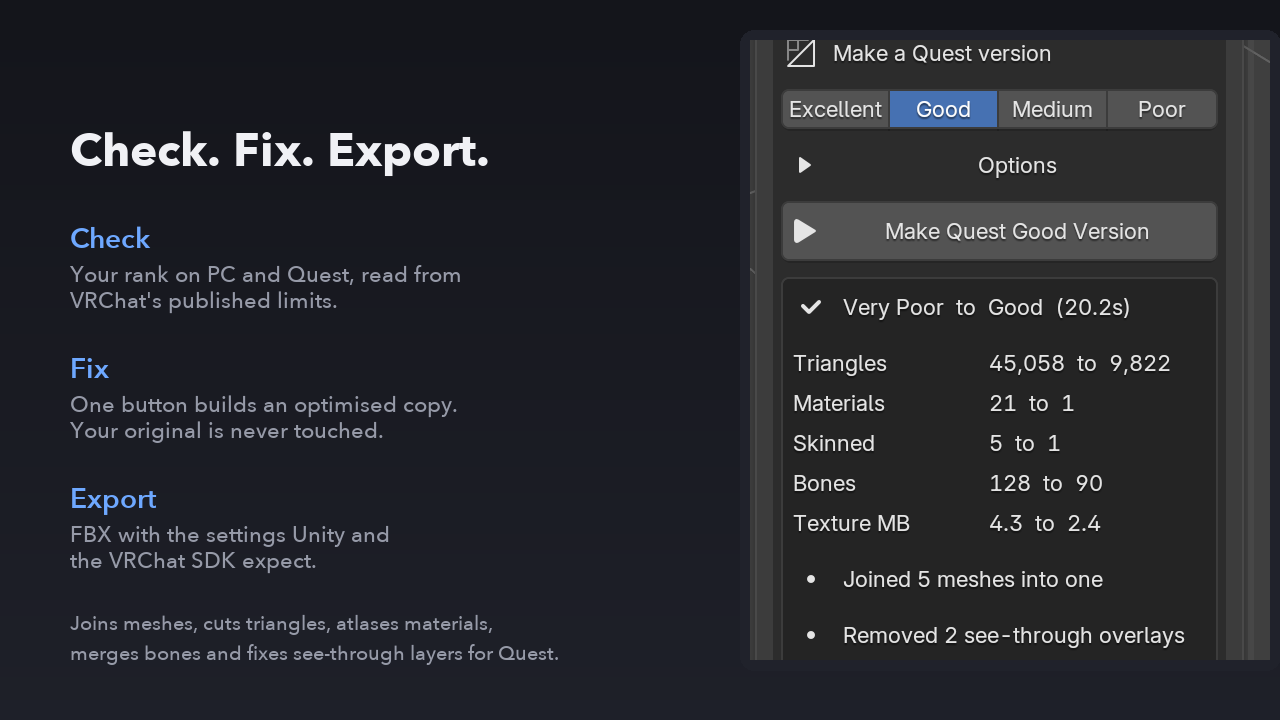
Check
Rank on PC and Quest, counted the way VRChat counts it: triangles, texture memory, skinned and basic meshes, material slots, bones and size. Limits come from VRChat's published tables.
Fix
Pick a target rank and press Make. An optimised copy appears; the original is never touched. Meshes joined, triangles cut, materials atlased, bones merged.
Export
One button writes an FBX with the settings Unity and the VRChat SDK expect, with textures saved beside it.
Tested results
Free VRM sample avatars from the VRM Consortium, on Blender 4.2 LTS and 5.2.
| Avatar | Before | After | Detail |
|---|---|---|---|
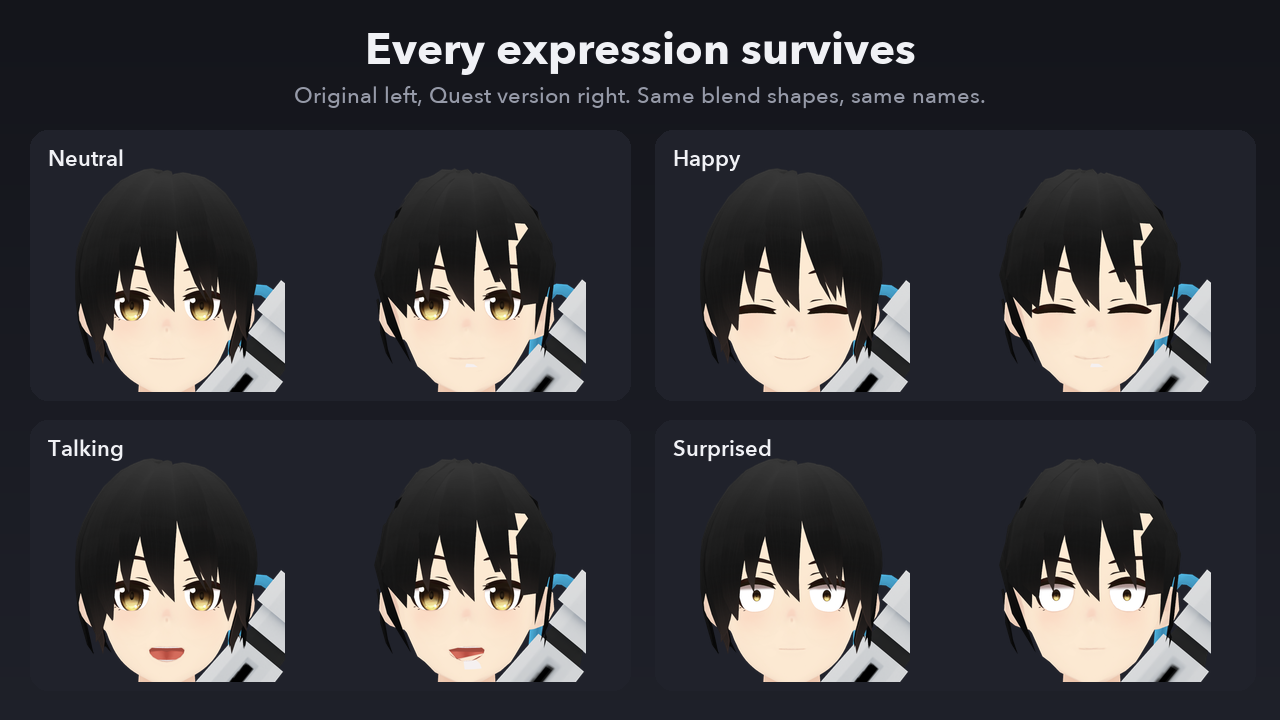
| Seed-san | Very Poor | Quest Good | 45,058 to 9,822 triangles, 21 to 1 materials, 128 to 90 bones, all 43 expressions kept, about 20 seconds |
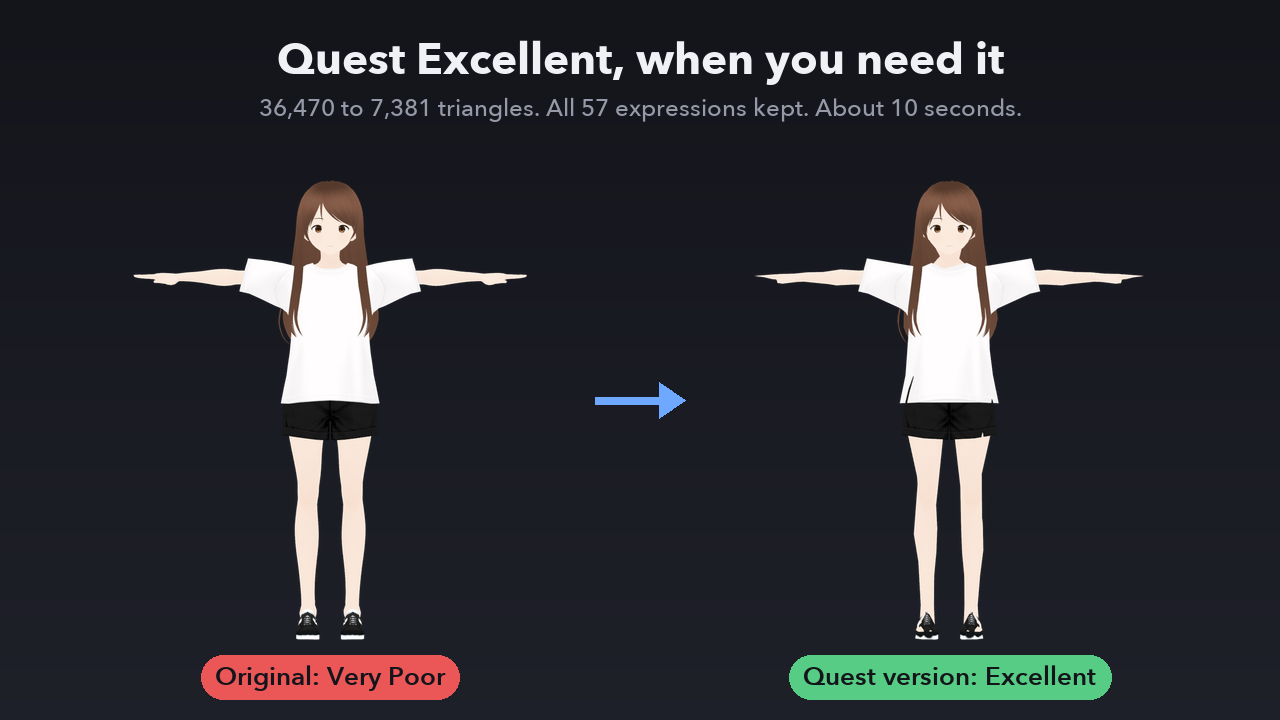
| VRM1 Twist Sample | Very Poor | Quest Excellent | 36,470 to 7,381 triangles, all 57 expressions kept, about 10 seconds |
| Seed-san | PC Poor | PC Good | 21 materials to 1 atlas, about 1 second |
How it works
- Its own simplifier. Blender's Decimate cannot run on meshes with shape keys and smears textures across UV seams at Quest-level reductions. Avatar Budget collapses vertices only onto existing neighbours, so every surviving vertex keeps its exact UVs, bone weights and shape key offsets.
- Seams and outlines hold. Seam twins move together, borders only slide along themselves, and no collapse may flip a triangle.
- Judged in every pose. Each shape key adds its own error planes, so a closed eyelid still covers the eye after reduction.
- Texture-aware. Every collapse is limited by how far it would shift the texture, in pixels; small details such as logos, eyes and eyelid rims are locked.
- Quest-aware. Transparent overlays are removed and see-through pixels are filled with the surface behind them, because Quest's avatar shaders draw everything solid.